How To Upload Documents
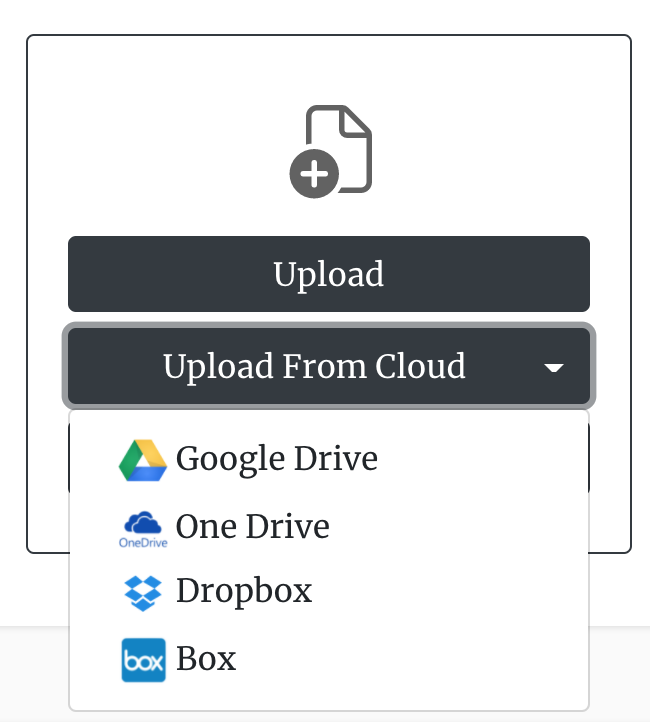
You can upload documents to our platform from either your device or through a third-party cloud service provider. When using one of our workflows, you can simply drag and drop the document onto the page in the first step. You can also click the "Upload" button to select a file from your device, or click "Upload From Cloud" to pull in files from third-party cloud providers such as Dropbox, Box, Google Drive, and OneDrive. For each of these providers, you will then be required to authenticate with the respective cloud provider before you are able to explore and upload the files you want to redact.
Our platform accepts the following file types:
- png image
- bitmap image
- Excel files
- PowerPoint
- Microsoft Word files
- Open Office presentations
- Open Office spreadsheets
- Open Office Word Files
Most of the files are converted to PDF, then encrypted, and then stored in a private vault on our servers. The user can manage these files by going to the Documents page, where they can choose from the options available.